

With the advent of FM24 custom Match Engines, it quickly became clear the community needed a tool to make the process of installing, changing and managing custom Football Manager 2024 match engines.
You do not need to start a new save to swap match engines. You just need to close the game, change the engine, then open the game again and load your save. All engines are save game compatible!
How to setup FMTweak Match Engine Manager
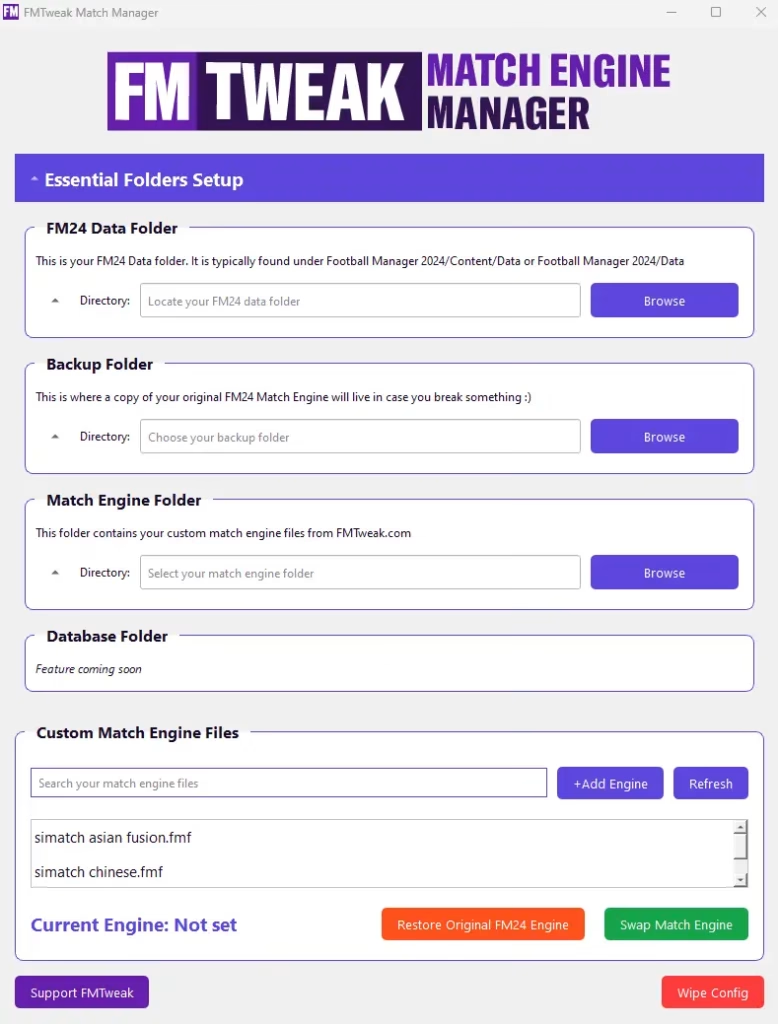
First download and extract the file to your desired folder. When you first run the Setup file you will get a false positive warning from windows that the app is unknown -this is jut because the app is new and unsigned (this is fairly expensive so I wasn’t going to sign it unless it took off!)
You can safely press <more info> and then “Run Anyway.” This warning wont appear again only when you first launch.
You will then be guided through an installer. Once the app is installed the FMTweak Match Engine Manager will open.
You will then see 4 folder sections
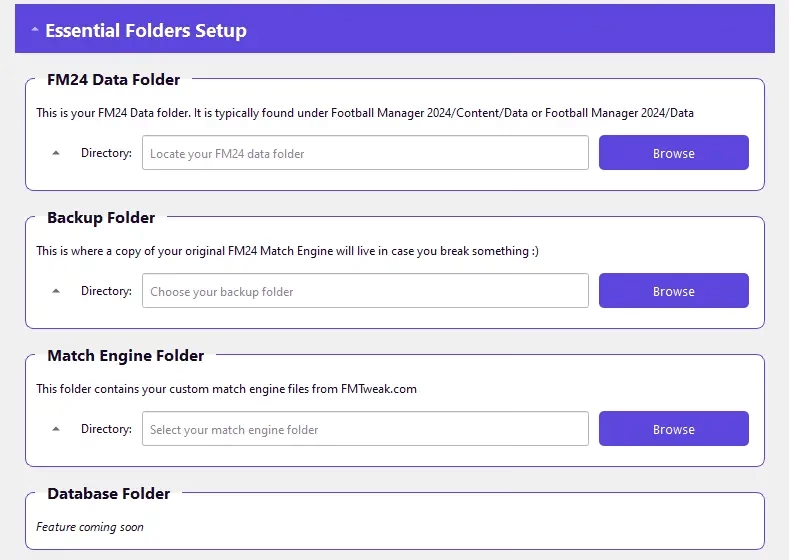
Your FM24 Data Folder
The data folder is usually contained within your steam, gamepass or epic games store install.
Look for Football Manager 2024 / Data or Football Manager 2024 / Content / Data
Your FM24 Backup Folder
This can be any folder you please and is only used to store your original simatch.fmf (this is the match engine).
Match Engine Folder
This folder is where you store your custom match engines. This can be anywhere you like – if you already have a folder containing custom match engines you can use that.
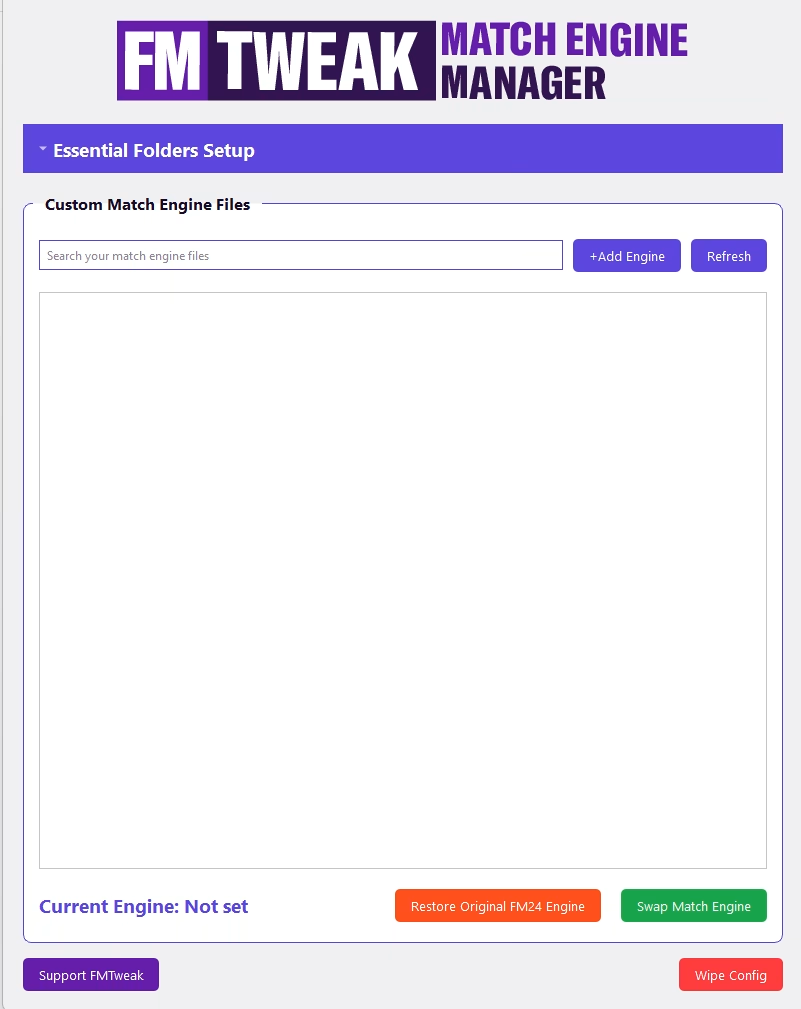
Once you add these folders this section will collapse. If you have no custom match engines in your match engine folder, the Match Engine Manager will look like this.
If you do have custom match engines in your match engine folder, the Match Engine Manager will display them as such.
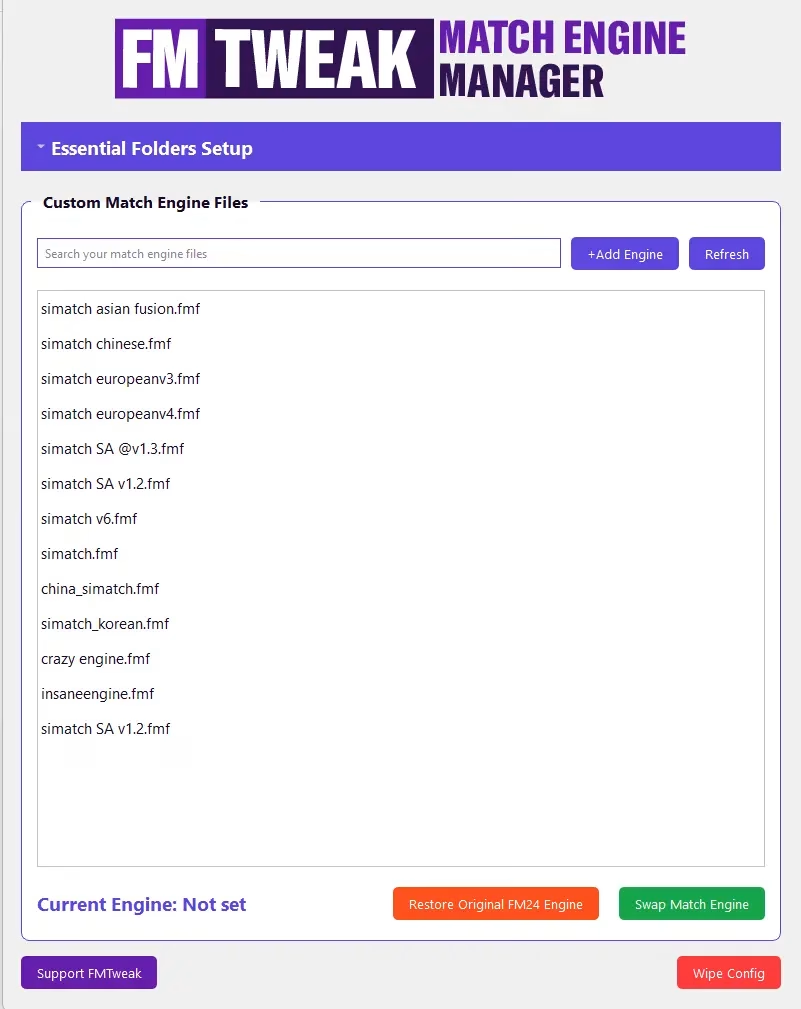
You can use the add engine button to add match engines to the manager.
To use a new engine, simply press “swap engine” and then launch FM24. The currently enabled engine will be displayed in the bottom left.
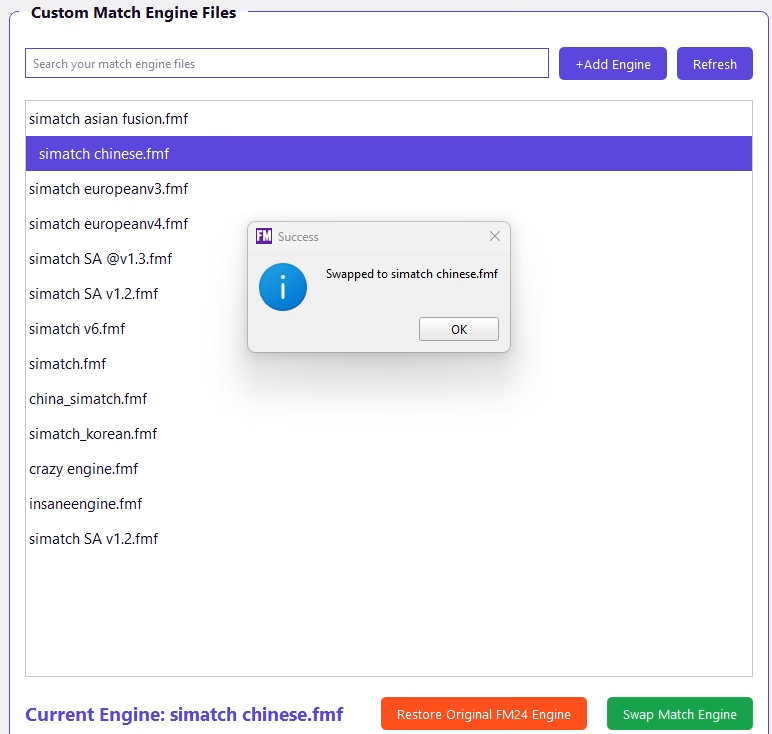
You can then freely swap between match engines.
You do not need to start a new save to swap match engines. You just need to close the game, change then engine, then open the game again and load your save. All engines are save game compatible!